Does anyone know how to change the settings of the Google Calendar invites sent for interviews? Every time we schedule an interview, the invite is automatically set as “private” and we want to make them “public”, as one cannot see when a colleague has an interview and with whom. Sometimes other colleagues or managers also want to join the invite but cannot do it because the invites are always automatically set to private.
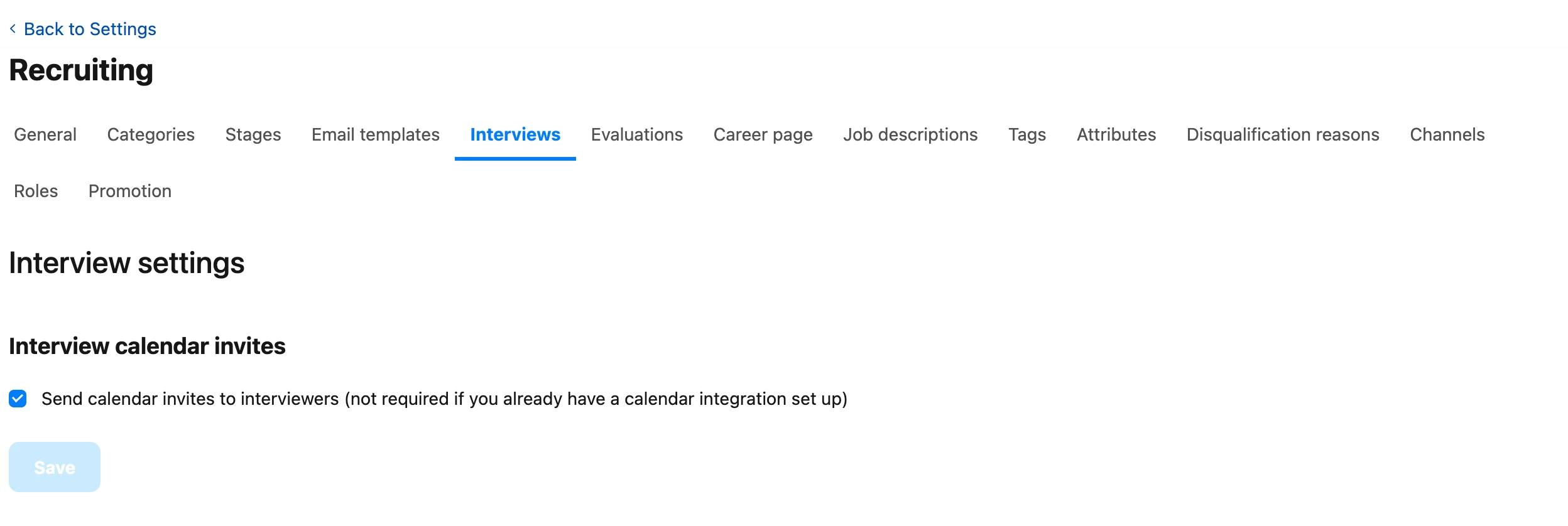
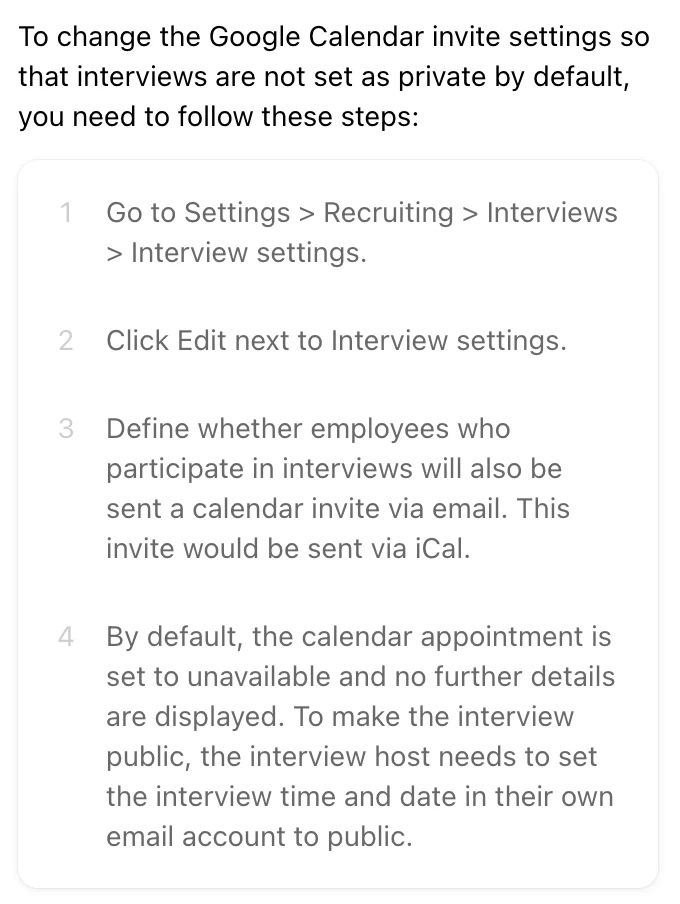
I tried changing it in the interview settings but there are no options. Furthermore, I asked Personio AI support, but it’s still unclear how to change it.
Beste Antwort von Nathan Jolly
Hi Sabrinahara,
From the answer you got, it seems it’s not a setting you are able to change directly within Personio, but more on your own Google Calendar.
It means that you’ll need to ask your users to change it manually in their own Calendar. My opinion is that it makes sense, because by default, I don’t know if I want all employees in my company to know that we’re interviewing some people for critical roles such as CEO for instance 😉
Nevertheless, I’ll have a look in the iCal settings if I were you as the Google Calendar integration is managed by this 3rd party. Definitely something to look with IT as well.
From the answer you got, it seems it’s not a setting you are able to change directly within Personio, but more on your own Google Calendar.
It means that you’ll need to ask your users to change it manually in their own Calendar. My opinion is that it makes sense, because by default, I don’t know if I want all employees in my company to know that we’re interviewing some people for critical roles such as CEO for instance 😉
Nevertheless, I’ll have a look in the iCal settings if I were you as the Google Calendar integration is managed by this 3rd party. Definitely something to look with IT as well.
@Nathan Jolly, thanks for helping @sabrinahara, your input is greatly appreciated! 👏🏼 I agree with you, this is a st up to be checked on the Google Calendar itself.
@sabrinahara do not hesitate to let us know if you need further support. Also, it’d be great if you can share what you have done so other users can also learn about it! 😃
I hope you both have a lovely day ahead! 🙌🏼
Best,
Zulema
⚠️Achtung! Dieses Thema könnte veraltet sein
Dieses Thema wurde vor mehr als erstellt. Unser Produkt entwickelt sich schnell weiter — stelle gerne eine neue Frage, um die aktuellsten Infos zu bekommen.
Werde Teil der Personio Voyager Community!
Bitte benutze für die Registrierung die gleiche E-Mail-Adresse, die Du auch zum Login in Deinem Personio Account benutzt. Dies erleichtert es uns, Dir effektiv und effizient zu helfen, wenn wir z.B. etwas in Deinem Account überprüfen müssen. Bereits registriert? > Anmelden
Achtung: Dein öffentlicher Benutzername darf keine persönlichen Informationen wie E-Mail oder andere private Daten enthalten!
Herzlich willkommen in der Personio Voyager Community.
Die Service und Networking Community für alle Personio Kund*innen und HRler*innen. Solltest Du Dich noch nicht registriert haben, klicke bitte unten auf "Benutzerkonto erstellen". Benutzerkonto erstellen
Enter your E-mail address. We'll send you an e-mail with instructions to reset your password.