
Hi there.
We are rolling out a performance cycle this month but I would like to deactivate (or at least remove access) to the other performance options (goals, training and feedback) until later this year to avoid confusion.
How do I do this?

Hi there.
We are rolling out a performance cycle this month but I would like to deactivate (or at least remove access) to the other performance options (goals, training and feedback) until later this year to avoid confusion.
How do I do this?
Beste Antwort von ConorCunningham
Hey
Welcome to the Personio Community 🙂
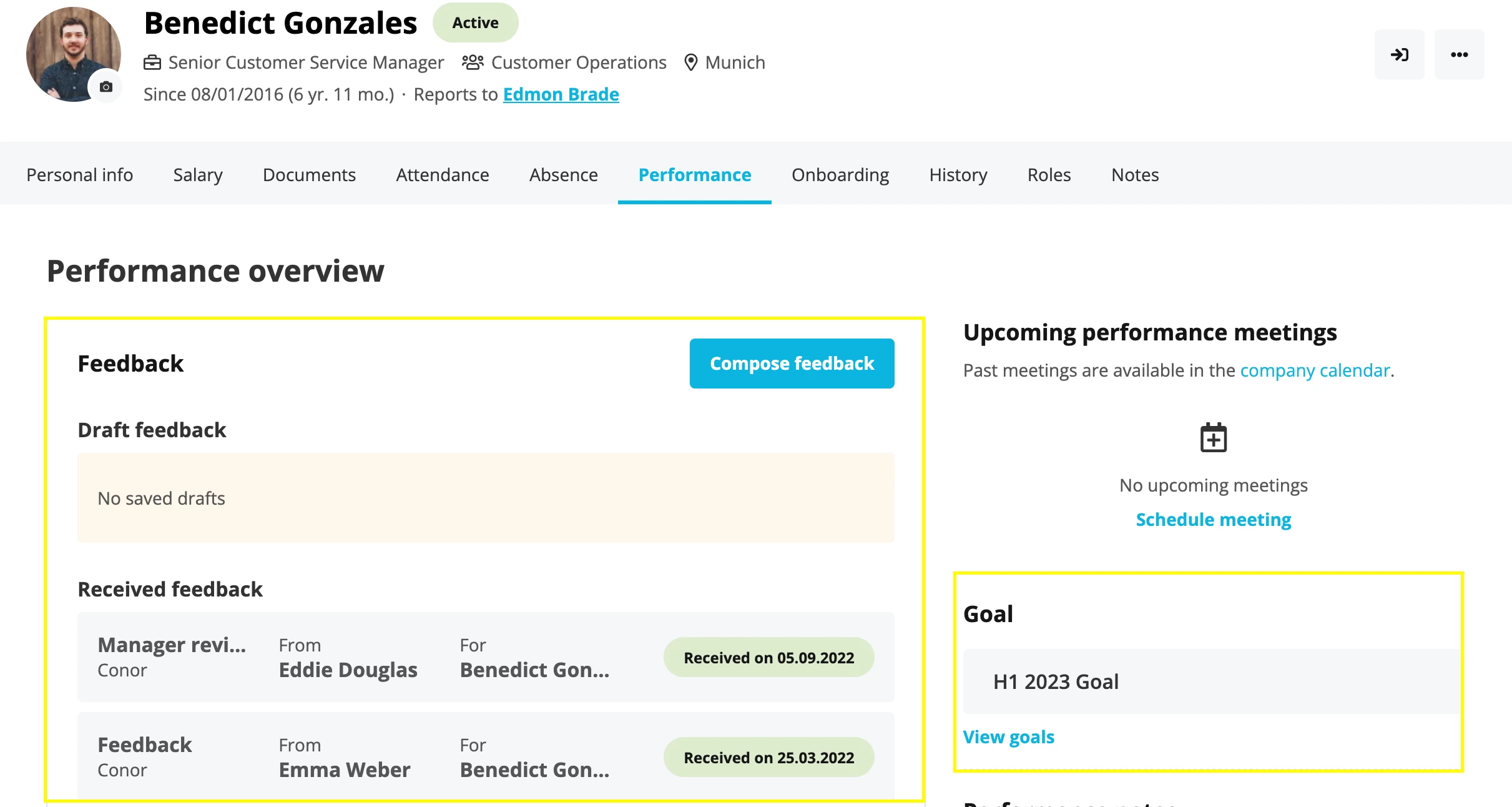
The Feedback and Training areas are open for all employees and currently access rights are not yet available to limit these. However, employees will not be able to view the Goals section unless granted the access right within the Performance & Development access rights area.
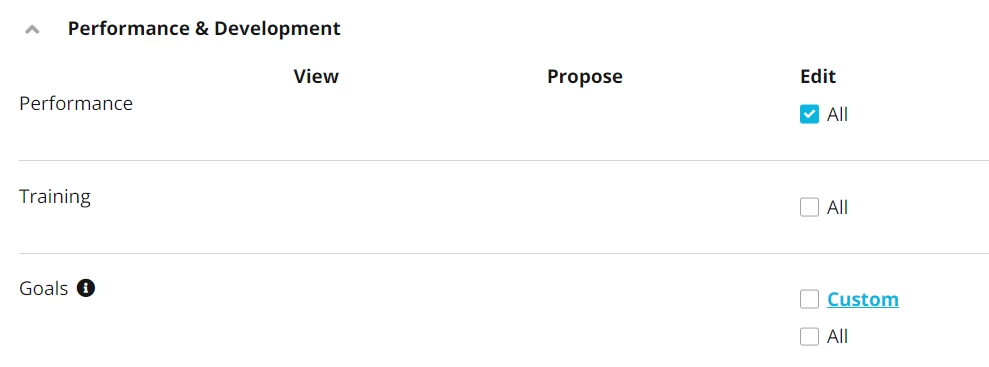
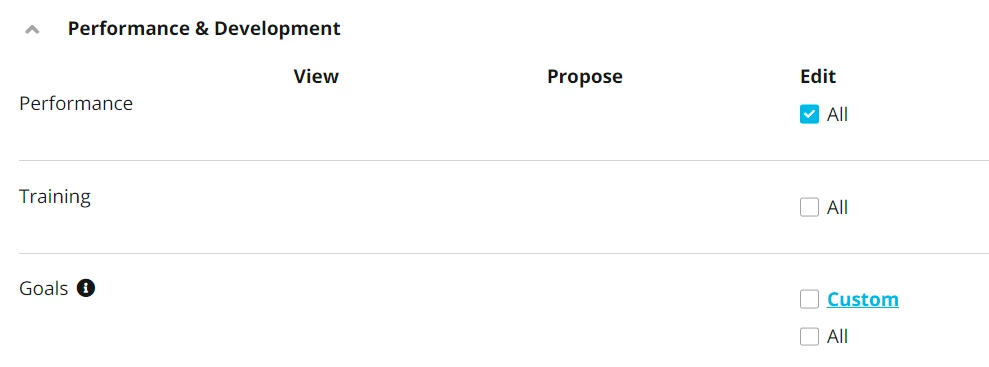
On that note, there are access rights within the Performance & Development section which allow for All access to areas such as Trainings, Performance & Goals. This access would be given to employees who would for example be setting up Trainings, Cycles and Goals on behalf of other employees.
Employees will also still be able to access their feedback and goals through their Performance tab.
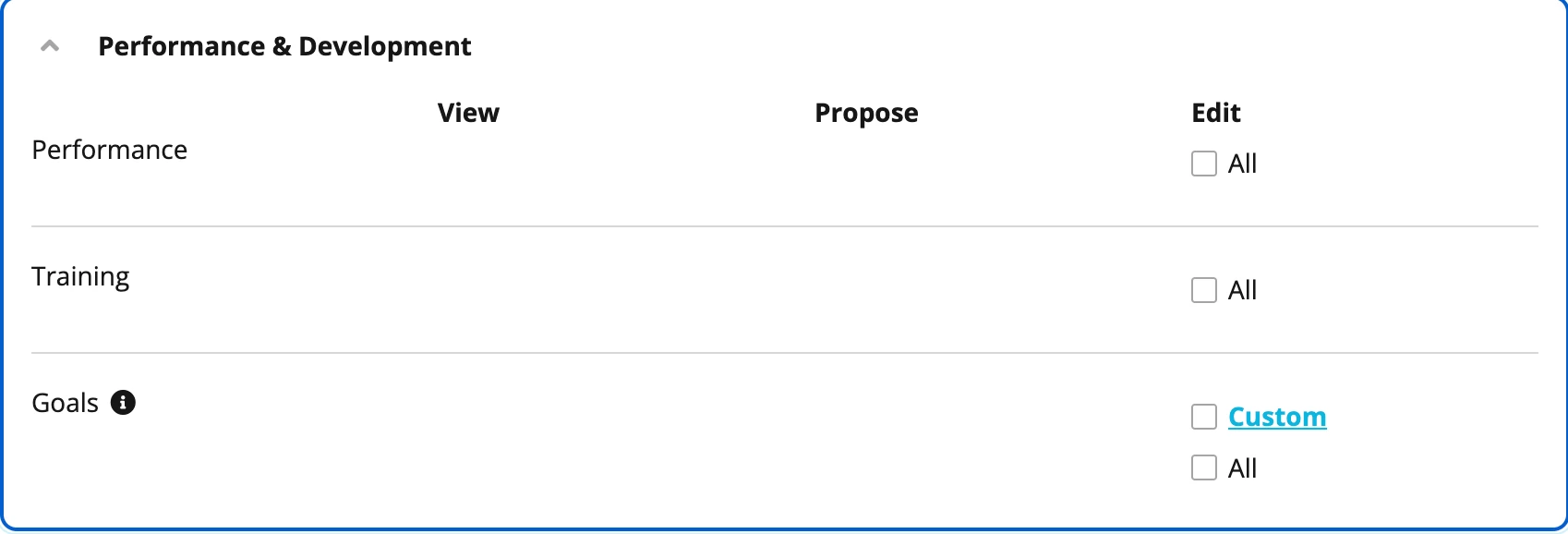
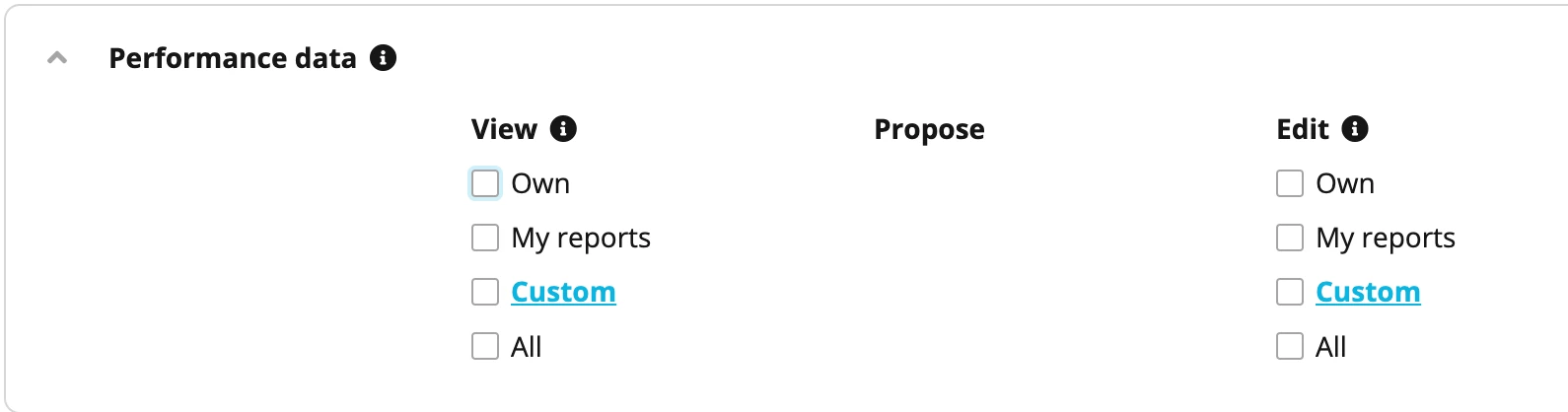
However, you have the option to temporarily disable this area until you roll out your Performance cycle by going to Settings > Employee roles > All Employees role > Access Rights > Performance data and take away the access rights like shown:
If you require any further assistance, I will be happy to help.
Best,
Conor.
Bitte benutze für die Registrierung die gleiche E-Mail-Adresse, die Du auch zum Login in Deinem Personio Account benutzt. Dies erleichtert es uns, Dir effektiv und effizient zu helfen, wenn wir z.B. etwas in Deinem Account überprüfen müssen. Bereits registriert? > Anmelden
Achtung: Dein öffentlicher Benutzername darf keine persönlichen Informationen wie E-Mail oder andere private Daten enthalten!
Die Service und Networking Community für alle Personio Kund*innen und HRler*innen. Solltest Du Dich noch nicht registriert haben, klicke bitte unten auf "Benutzerkonto erstellen". Benutzerkonto erstellen
Enter your E-mail address. We'll send you an e-mail with instructions to reset your password.